
Question Number and Time Display
Next to the sample question the tutorial explains:
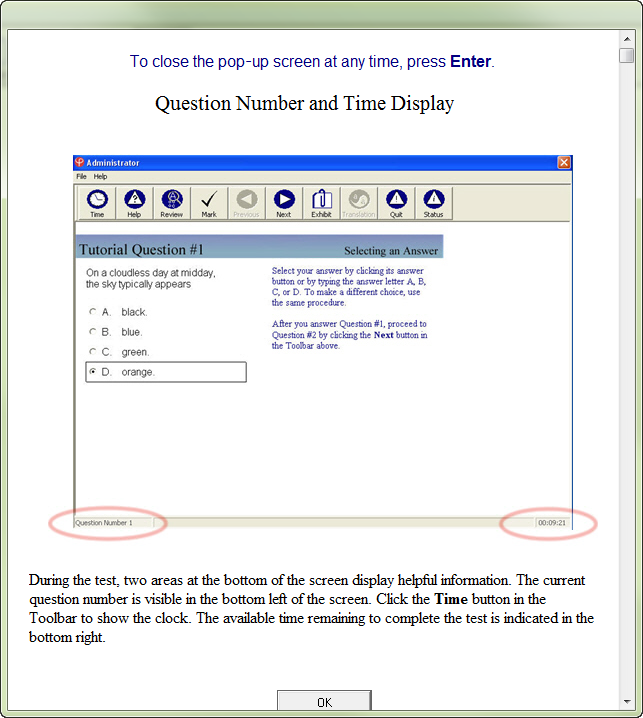
During the test, two areas at the bottom of the screen display helpful information. The current question number is visible in the bottom left of the screen. Click the Time button in the Toolbar to show the clock. The available time remaining to complete the test is indicated in the bottom right.
In the graphic of the test window, the label in the bottom left reads Question Number 1, and the label on the bottom right reads 00:09:21. Both labels are circled in red.